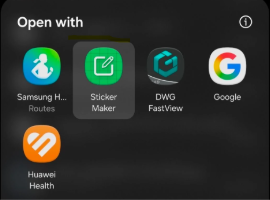
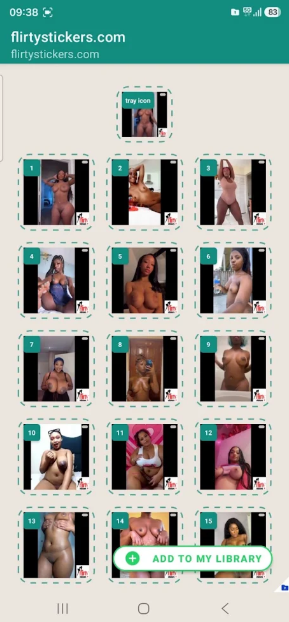
How to import WhatsApp stickers into your WhatsApp Step 1: Download the StickerMaker application from Google Store or App Store. Step 2: Download your sticker pack from FlirtyStickers.com (File will be named for example Ebony_BBW_beauty.wastickers) Step 3: Open the file downloaded using the StickerMaker application Step 4: Select Add to Gallery then add to WhatsApp on the option available Step 5: You should be notified that your stickers are now added to WhatsApp.Go to WhatsApp and start your flirting and chatting!!!!